GSAP SplitText alternatives
 Ehsanul Haque Siam · updated
Written from the tastebase registry, so it changes when an entry does.
GSAP SplitText is splits text into lines, words and characters (with masks) for staggered reveal animations. It's the right pick for a hero headline that rises line by line out of a mask.
Look elsewhere when you're dealing with app UI and labels: splitting text in product UI is distracting; use torph for label changes. These 2 text effect libraries do the same job differently.
2 GSAP SplitText alternatives
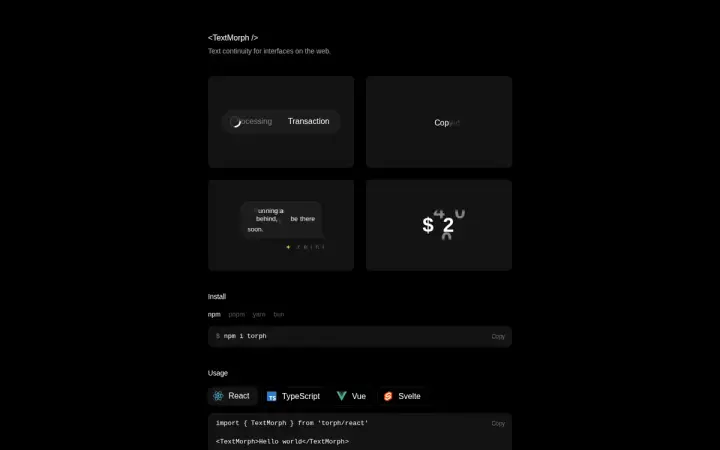
Torph
Animated text morphing: labels change letter by letter instead of swapping.
useScramble
1 KB React hook that scrambles text through random characters before settling (decrypt effect).
Compared
Questions
Is GSAP SplitText free?
Yes, GSAP SplitText is free (GSAP Standard 'no charge' license (free, commercial use allowed)).
What is the best alternative to GSAP SplitText?
Torph: animated text morphing: labels change letter by letter instead of swapping. It's best for copy button that confirms in place (Copy -> Copied).
When should I not use GSAP SplitText?
App UI and labels: splitting text in product UI is distracting; use torph for label changes.
Which GSAP SplitText alternatives are open source?
Torph (MIT) and useScramble (MIT).