audiocn
freeAudio components for shadcn/ui: mixer, faders, knobs, level meters, waveforms and players on Web Audio.

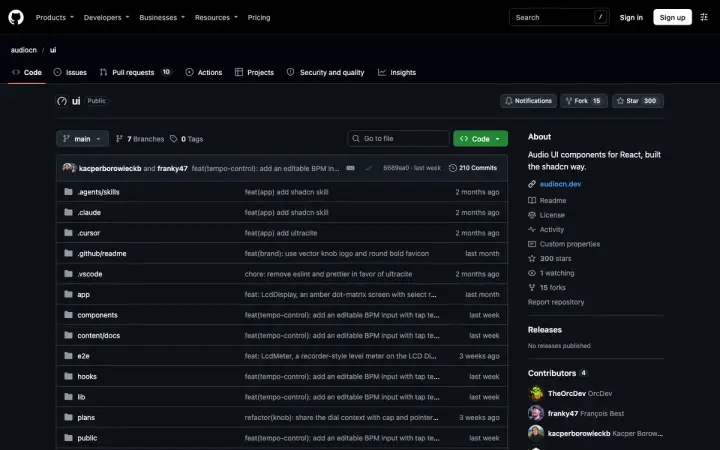
Try these
shadcn/ui
Copy-in React components on Tailwind, built on Base UI, Radix or React Aria, plus a registry CLI.
Base UI
Unstyled, accessible React primitives from the Radix, Floating UI and MUI teams.
8bitcn/ui
Retro 8-bit versions of the shadcn/ui components, plus game HUD parts and game-screen blocks.
Kokonut UI
Tactile animated React components on Tailwind, Motion and shadcn/ui, with a large set of AI app parts.
For your agent
Install
npx shadcn@latest add @audiocn/level-meter @audiocn/use-microphone @audiocn/use-audio-analyserUse it for
- a microphone setup screen: device picker, live level meter, gain, mute and a level check
- a DAW-style mixer with faders in dB, pan, mute/solo/monitor toggles and channel strips
- an audio or podcast player with a waveform seek bar, regions and markers
- voice-app visualizers (bars, spectrum, live waveform) fed from a MediaStream or media element
Skip it when
- one play button or volume slider in a non-audio app: a shadcn-ui slider is enough
- an AI voice-mode glow or speaking orb: use libraries-dev
What's inside32 free
- Audio Device Select
- Audio Player
- Bar Visualizer
- Channel Strip
- Channel Toggle
- Clip Indicator
- dB Readout
- dB Scale
- Electric Bar Visualizer
- Electric Waveform
- Fader
- Knob
- LCD Display
- LCD Meter
- Level Meter
- Live Waveform
- Mixer
- Pan Control
- Parameter Slider
- Smooth Waveform
- Sound Pad
- Spectrum
- Tempo Control
- Track List
- Volume Control
- Waveform
- Microphone Setup
- Music Player
- Quick Audio Popover
- Soundboard
- System Audio Mixer
- System Audio Settings
Facts
- Frameworks
- react
- Styling
- copy-in
- Weight
- small
- Accessibility
- strong
- Maturity
- experimental
- License
- MIT
- Price
- Free


import { LevelMeter } from '@/components/ui/level-meter'
import { useAudioAnalyser } from '@/hooks/use-audio-analyser'
import { useMicrophone } from '@/hooks/use-microphone'

const microphone = useMicrophone({ enabled: true })
const analyser = useAudioAnalyser(microphone.stream)

<LevelMeter aria-label="Microphone level" source={analyser.meter} />
https://www.audiocn.dev/docs/components
Loading website