cmdk
freeFast, unstyled React command menu with built-in fuzzy filtering.

Try these
Kobra
A polished shadcn registry on Base UI: quiet gray UI, tuned motion, AI and agent components.
shadcn/ui
Copy-in React components on Tailwind, built on Base UI, Radix or React Aria, plus a registry CLI.
Radix Primitives
The original unstyled, accessible React primitives, now one tree-shakeable package.
assistant-ui
React primitives and runtime for production AI chat: streaming, threads, tool UI, attachments.
Try it
Open project
Toggle theme
Copy link
Invite teammate
Looks that pick it
Minimalfirst pickCorporate / dashboardfirst pickTechnical / dev-toolfirst pickFluentfirst pickmacOS desktopfirst pickBento gridfirst pickModular gridfirst pickFlat designfirst pickMaterial Design 2first pickDocument / Notion-likefirst pickData-dense / terminalfirst pickFintechfirst pickand 8 more
For your agent
Install
npm i cmdkUse it for
- a Cmd+K palette in a SaaS app: jump to page, run action, switch workspace
- a searchable picker inside a popover (assignee, label, project)
- the engine under shadcn/ui's Command component
Skip it when
- you want nested scopes, breadcrumbs and tuned motion out of the box: use kobra's command-menu
- thousands of items: filtering is synchronous; pass `shouldFilter={false}` and filter or virtualise yourself
- a form combobox with a value and validation: use base-ui or react-aria Combobox
- Vue or Svelte: use shadcn-vue's Command (Reka) or bits-ui Command
What's inside10 free
- Command
- Command.Dialog
- Command.Input
- Command.List
- Command.Item
- Command.Group
- Command.Separator
- Command.Empty
- Command.Loading
- useCommandState
Facts
- Frameworks
- react
- Styling
- unstyled
- Weight
- small
- Accessibility
- ok
- Maturity
- established
- License
- MIT
- Price
- Free
Pairs with


Alternatives

import { Command } from 'cmdk'

<Command.Dialog open={open} onOpenChange={setOpen} label="Command menu">
  <Command.Input placeholder="Search" />
  <Command.List>
    <Command.Empty>No results.</Command.Empty>
    <Command.Group heading="Projects">
      <Command.Item onSelect={() => go('/new')}>New project</Command.Item>
    </Command.Group>
  </Command.List>
</Command.Dialog>
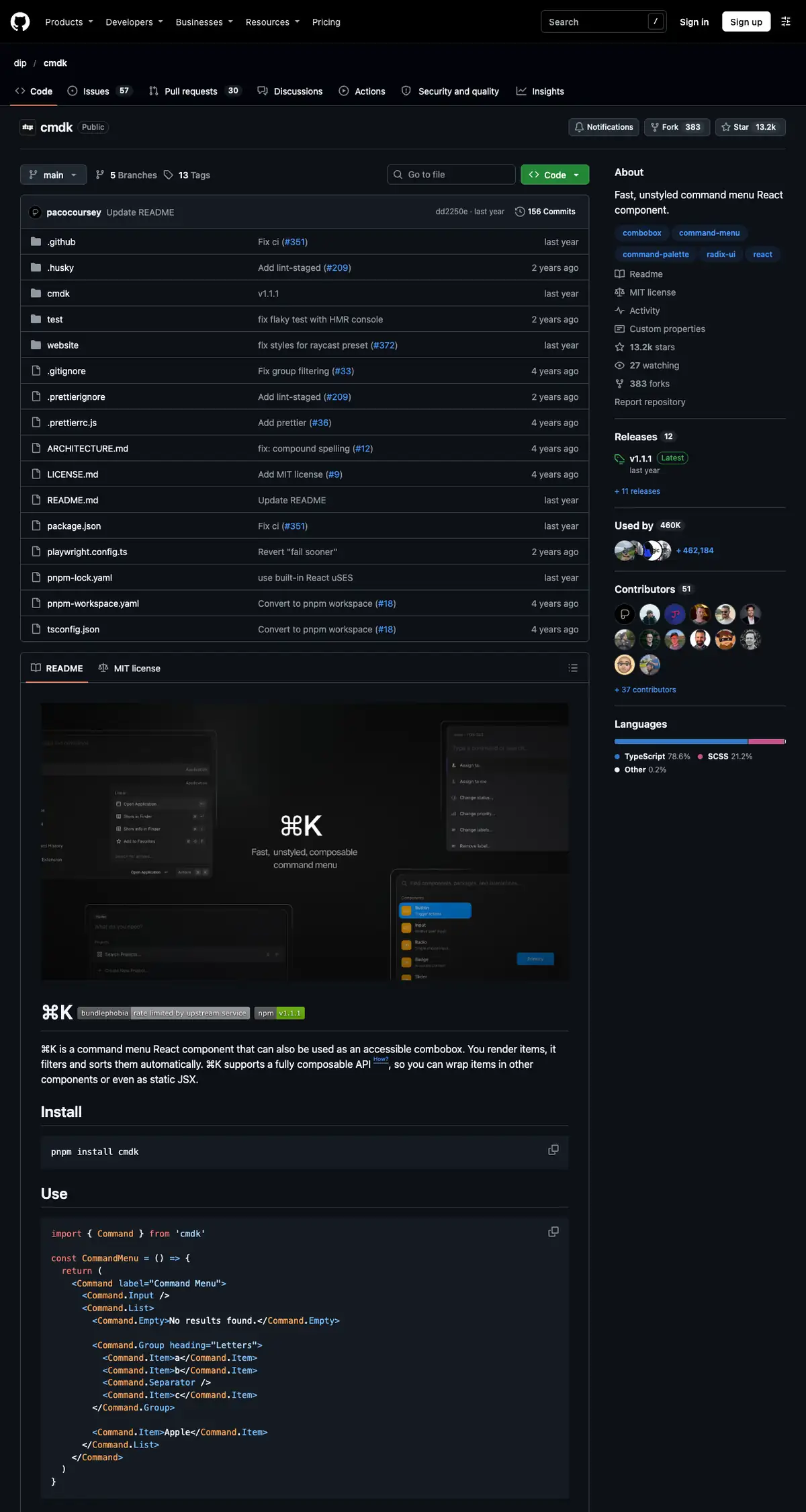
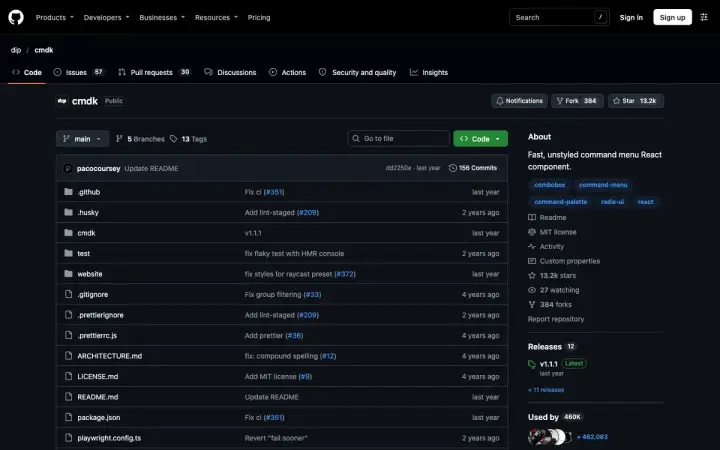
https://github.com/dip/cmdk
This site doesn't allow being shown inside another page. Here is how it looks.
Open in a new tab