Shiki
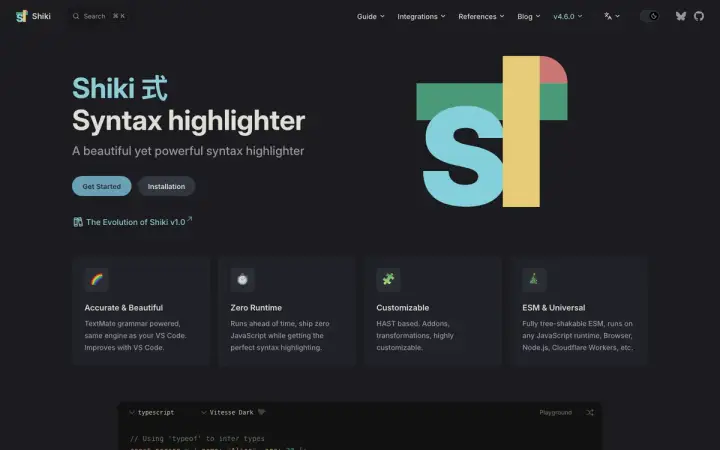
freeSyntax highlighting with VS Code's grammars and themes: accurate, themeable code blocks.

Try these
shadcn/ui
Copy-in React components on Tailwind, built on Base UI, Radix or React Aria, plus a registry CLI.
Lucide
Clean 24px stroke icons, one component per icon, the default set for shadcn/ui.
visx
Airbnb's low-level D3 + React primitives (scales, shapes, axes) for custom charts.
nivo
Rich, themeable React charts in SVG, canvas or HTML, with motion and patterns built in.
For your agent
Install
npm i shikiUse it for
- a code sample on a developer landing page or API product page
- code blocks in docs, a blog or a changelog, highlighted the way VS Code shows them
- a snippet with light and dark themes that follow the site's colour scheme
Skip it when
- a code editor with syntax highlighting, where people type and edit code: Shiki only displays it; use CodeMirror or Monaco
- a page that must ship almost no JavaScript and only shows one short snippet: highlight it at build time or style a plain pre
What's inside28 free
- Themes
- Languages
- Dual Themes
- Bundles
- Shorthands
- Decorations
- Transformers
- Theme Colors Manipulation
- RegExp Engines
- Synchronous Usage
- Grammar State
- Custom Themes
- Custom Languages
- TypeScript Twoslash
- markdown-it
- markdown-exit
- Rehype
- Monaco Editor
- VitePress
- Nuxt
- Next
- Astro
- Common Transformers
- Colorized Brackets
- Magic Move
- Stream
- Codegen
- CLI
Facts
- Frameworks
- react, vue, svelte, solid, angular, vanilla
- Styling
- css
- Weight
- medium
- Accessibility
- ok
- Maturity
- established
- License
- MIT
- Price
- Free


import { useEffect, useState } from 'react'
import { codeToHtml } from 'shiki/bundle/web'

function Code({ code, lang = 'ts' }: { code: string; lang?: 'ts' | 'tsx' | 'bash' | 'json' }) {
  const [html, setHtml] = useState<string>()
  useEffect(() => { codeToHtml(code, { lang, themes: { light: 'github-light', dark: 'github-dark' } }).then(setHtml) }, [code, lang])
  if (!html) return <pre><code>{code}</code></pre>
  return <div className="text-sm [&_pre]:overflow-x-auto [&_pre]:rounded-lg [&_pre]:p-4" dangerouslySetInnerHTML={{ __html: html }} />
}
https://shiki.style
Loading website