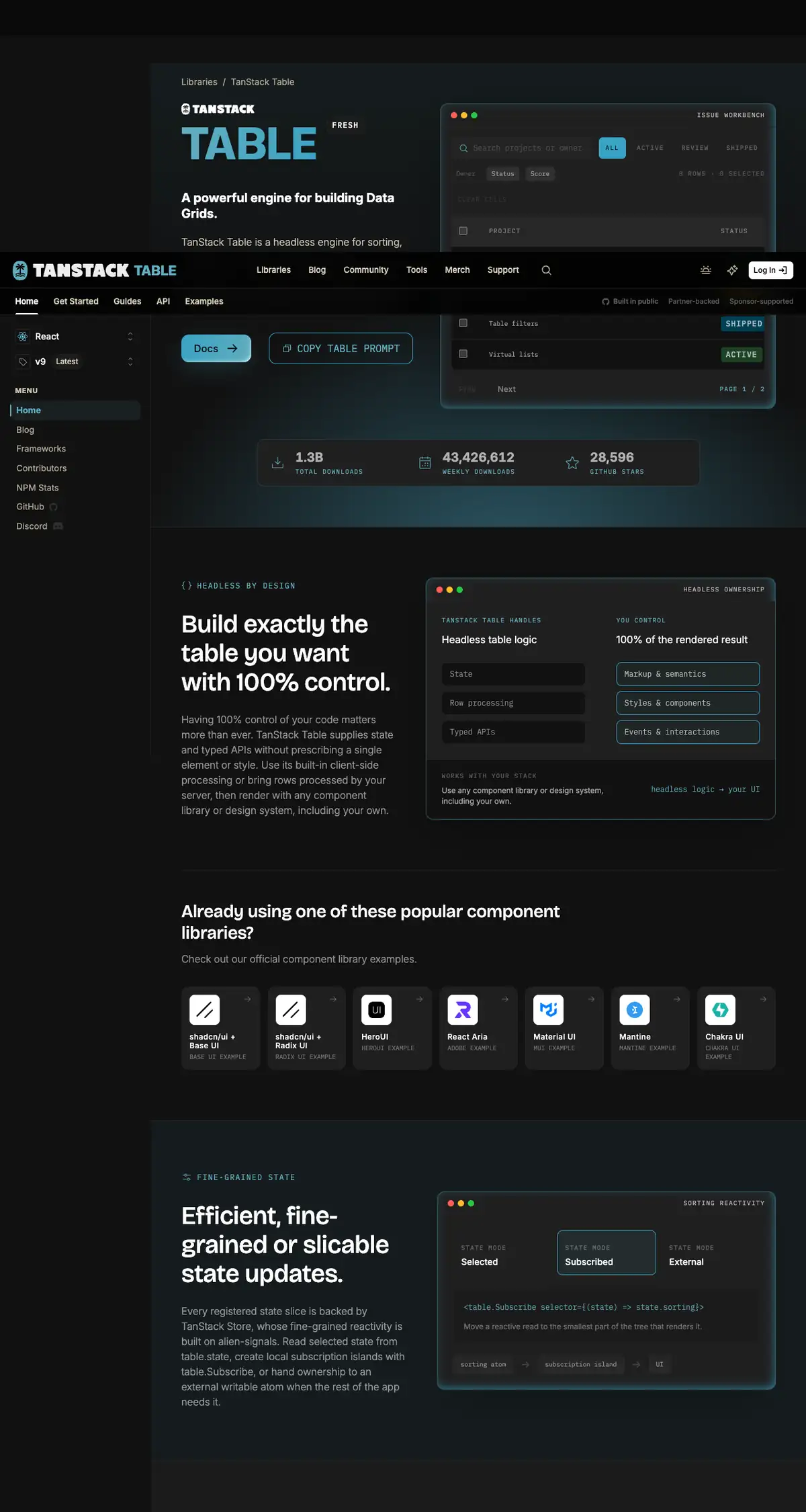
TanStack Table
freeHeadless table logic: sorting, filtering, pagination, selection and grouping, rendered with your own markup.

Try these
AG Grid
Batteries-included data grid: editing, filters, virtualization and themes built in; Enterprise features are paid.
shadcn/ui
Copy-in React components on Tailwind, built on Base UI, Radix or React Aria, plus a registry CLI.
shadcn-vue
The Vue port of shadcn/ui: copy-in Tailwind components on Reka UI.
shadcn-svelte
The Svelte 5 port of shadcn/ui: copy-in Tailwind components on bits-ui.
Looks that pick it
Minimalfirst pickCorporate / dashboardfirst pickTechnical / dev-toolfirst pickFluentfirst pickBento gridfirst pickModular gridfirst pickFlat designfirst pickMaterial Design 2first pickDocument / Notion-likefirst pickFintechfirst pickHealthcarefirst pickCivic / public servicefirst pickand 7 more
For your agent
Install
npm i @tanstack/react-tableUse it for
- a sortable, filterable data table styled by your own kit (shadcn-ui's Data Table is built on it)
- an admin list with server-side pagination, sorting and filters driven by your API
- row selection with bulk actions, column visibility toggles and pinned columns
Skip it when
- a spreadsheet-like grid with cell editing and keyboard navigation out of the box: use ag-grid
- a short static table of a few rows: use a plain table or your kit's Table part
What's inside17 free
- Sorting
- Column Filtering
- Global Filtering
- Column Faceting
- Pagination
- Row Selection
- Row Expanding
- Row Pinning
- Column Pinning
- Column Ordering
- Column Sizing
- Column Resizing
- Column Visibility
- Grouping
- Aggregation
- Cell Selection
- Cell Spanning
Facts
- Frameworks
- react, vue, svelte, solid, angular, vanilla
- Styling
- unstyled
- Weight
- small
- Accessibility
- n/a
- Maturity
- established
- License
- MIT
- Price
- Free
Pairs with



Alternatives

import { createColumnHelper, createSortedRowModel, rowSortingFeature, sortFn_alphanumeric, tableFeatures, useTable } from "@tanstack/react-table"

const features = tableFeatures({ rowSortingFeature, sortedRowModel: createSortedRowModel(), sortFns: { alphanumeric: sortFn_alphanumeric } })
const col = createColumnHelper<typeof features, User>()
const columns = col.columns([col.accessor("name", { header: "Name" }), col.accessor("email", { header: "Email" })])

const table = useTable({ features, columns, data })
// <th onClick={header.column.getToggleSortingHandler()}><table.FlexRender header={header} /></th>
// rows: table.getRowModel().rows, cells: <table.FlexRender cell={cell} />
https://tanstack.com/table
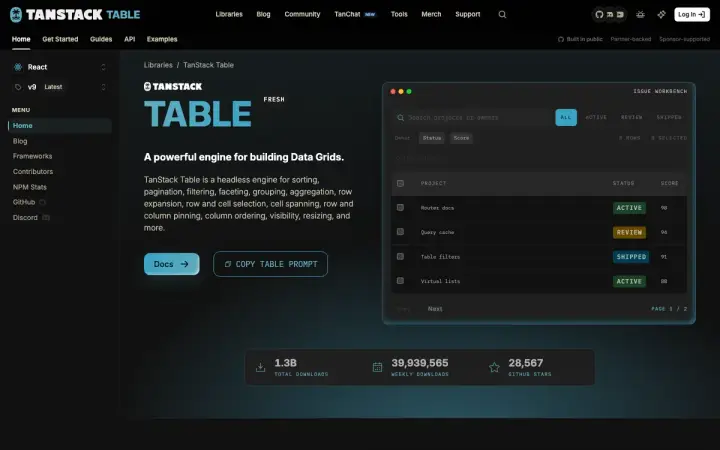
This site doesn't allow being shown inside another page. Here is how it looks.
Open in a new tab