@use-gesture
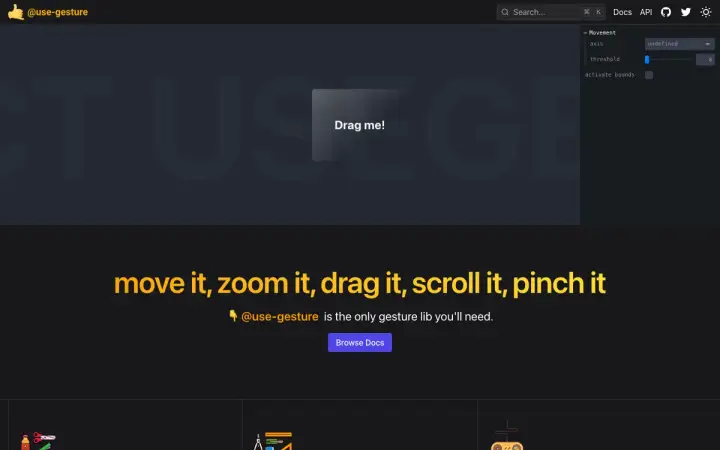
freeHooks that turn pointer, wheel, pinch and scroll events into clean gesture state (offset, velocity, direction).

Try these
Motion
The default animation library for React (formerly Framer Motion): springs, gestures, layout and exit animations.
React Spring
Spring-physics animation hooks for React, React Native and react-three-fiber.
React Three Fiber
React renderer for three.js: build 3D scenes as JSX components with hooks.
dnd-kit
Accessible drag-and-drop toolkit for React: sortable lists, kanban boards, keyboard dragging.
For your agent
Install
npm i @use-gesture/reactUse it for
- a draggable, throwable card stack driven by react-spring
- pinch-to-zoom and pan on an image or canvas
- custom swipe gestures where you need velocity and direction to decide the outcome
Skip it when
- simple drag, pan or tap feedback in a motion project: motion's drag and onPan props already cover it
- sortable lists or drag-and-drop between zones: use dnd-kit or pragmatic-drag-and-drop
- a bottom sheet: use vaul
- draggable markers or pins on a map: the map library (MapLibre, Leaflet, Google Maps) drags its own
What's inside12 free
- useDrag
- useMove
- useHover
- useScroll
- useWheel
- usePinch
- useGesture
- createUseGesture
- Vanilla gesture classes (DragGesture, PinchGesture...)
- Gesture state
- Gesture options
- rubberbandIfOutOfBounds
Facts
- Frameworks
- react, vue, svelte, solid, angular, vanilla
- Styling
- unstyled
- Weight
- small
- Accessibility
- n/a
- Maturity
- established
- License
- MIT
- Price
- Free
Pairs with


Alternatives

import { useSpring, animated } from '@react-spring/web'
import { useDrag } from '@use-gesture/react'

const [{ x, y }, api] = useSpring(() => ({ x: 0, y: 0 }))
const bind = useDrag(({ down, movement: [mx, my] }) => {
  api.start({ x: down ? mx : 0, y: down ? my : 0 })
})

<animated.div {...bind()} style={{ x, y, touchAction: 'none' }} />
https://use-gesture.netlify.app
Loading website