React Three Fiber
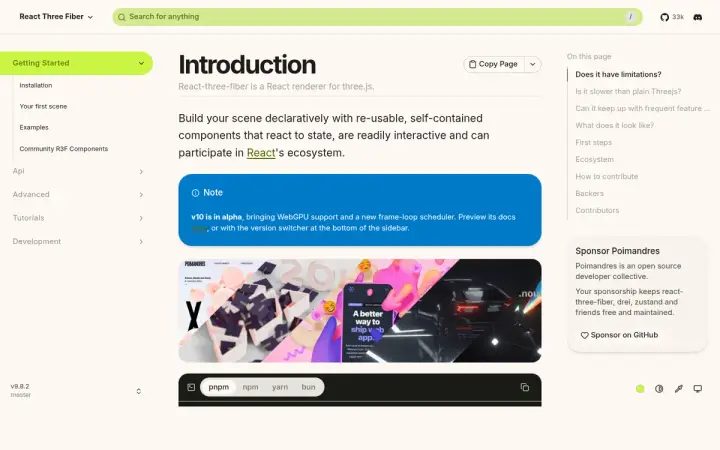
freeReact renderer for three.js: build 3D scenes as JSX components with hooks.

Try these
three.js
The standard WebGL and WebGPU 3D engine: scenes, cameras, materials, loaders.
Spline (react-spline)
Embed 3D scenes designed in the Spline editor as a React component.
drei
Ready-made helpers for React Three Fiber: controls, loaders, environments, text, shaders.
Motion
The default animation library for React (formerly Framer Motion): springs, gestures, layout and exit animations.
Looks that pick it
Minimalfirst pickNeon / cyberfirst pickSpatial (visionOS)first pickAurorafirst pickHolographicfirst pickLiquid chromefirst pickCyberpunkfirst pickSynthwavefirst pickAI glowfirst pickSci-fi HUDfirst pickBento gridfirst pickFlat designfirst pickand 9 more
For your agent
Install
npm i three @react-three/fiber && npm i -D @types/threeUse it for
- interactive 3D hero objects in a React or Next.js landing page
- product configurators where React state drives materials and parts
- scroll-driven 3D storytelling sections
Skip it when
- a decorative gradient or noise background: use paper-shaders, no 3D stack needed
- a designer owns the scene and you only embed it: use spline
- non-React stacks: use three directly (or TresJS for Vue)
What's inside20 free
- Canvas
- three.js JSX elements (mesh, geometries, materials, lights)
- attach
- Events (onClick, onPointerOver...)
- useThree
- useFrame
- useLoader
- useGraph
- extend
- createPortal
- createRoot
- invalidate
- advance
- addEffect / addAfterEffect / addTail
- applyProps
- useInstanceHandle
- WebGPU renderer
- On-demand rendering
- Instancing
- React Native
Facts
- Frameworks
- react, react-native
- Styling
- unstyled
- Weight
- large
- Accessibility
- weak
- Maturity
- established
- License
- MIT
- Price
- Free




Alternatives

import { Canvas, useFrame } from '@react-three/fiber'
import { useRef } from 'react'
import type { Mesh } from 'three'

function Knot() {
  const ref = useRef<Mesh>(null!)
  useFrame((_, dt) => { ref.current.rotation.y += dt * 0.3 })
  return (
    <mesh ref={ref}>
      <torusKnotGeometry args={[0.6, 0.2, 128, 16]} />
      <meshStandardMaterial color="#e5e5e5" roughness={0.3} />
    </mesh>
  )
}

<Canvas dpr={[1, 2]} camera={{ position: [0, 0, 3] }}>
  <ambientLight intensity={0.5} />
  <directionalLight position={[2, 2, 2]} />
  <Knot />
</Canvas>
https://r3f.docs.pmnd.rs/getting-started/examples
Loading website