XP.css alternatives
 Ehsanul Haque Siam · updated
Written from the tastebase registry, so it changes when an entry does.
XP.css is windows XP Luna look for semantic HTML: blue title bars, glossy buttons, tabs and progress bars; also ships a 98 theme. It's the right pick for a Windows XP style login, settings dialog or desktop for a 2000s nostalgia site.
Look elsewhere when you're dealing with windows 95 or 98 grey chrome: use 98-css, which is maintained and lighter. These 2 component kits do the same job differently.
2 XP.css alternatives
Compared
Questions
Is XP.css free?
Yes, XP.css is free (MIT).
What is the best alternative to XP.css?
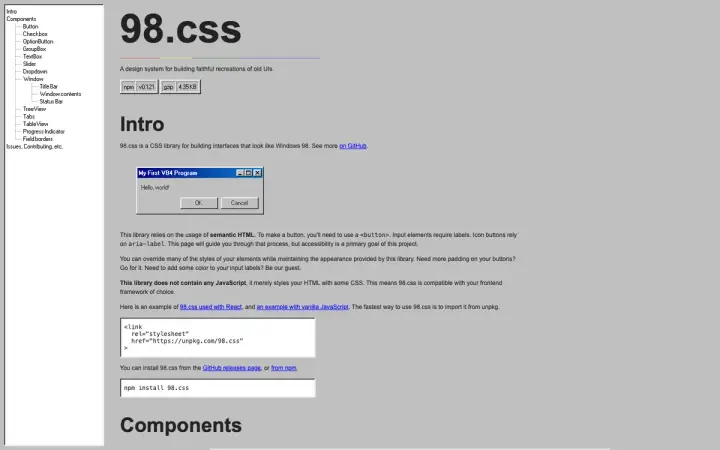
98.css: windows 98 look for semantic HTML: bevelled windows, title bars, buttons, fields, tabs and tree views, CSS only. It's best for a Windows 95 or 98 style settings dialog, installer or properties window for a nostalgia site or portfolio.
When should I not use XP.css?
Windows 95 or 98 grey chrome: use 98-css, which is maintained and lighter.
Which XP.css alternatives are open source?
98.css (MIT) and 7.css (MIT).