98.css
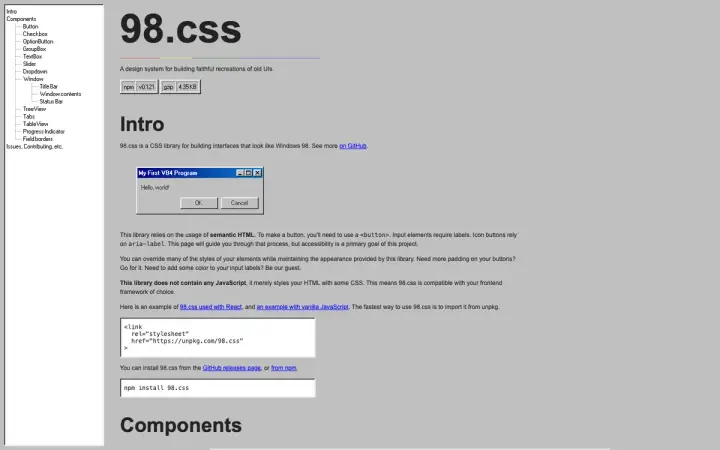
freeWindows 98 look for semantic HTML: bevelled windows, title bars, buttons, fields, tabs and tree views, CSS only.
Try these
XP.css
Windows XP Luna look for semantic HTML: blue title bars, glossy buttons, tabs and progress bars; also ships a 98 theme.
7.css
Windows 7 Aero look for semantic HTML: glass windows, glossy buttons, menus, balloons and list views, CSS only.
system.css
Classic 1-bit Macintosh (System 6) look for HTML: pinstriped windows, Chicago type, dialogs and a menu bar, CSS only.
NES.css
NES-style 8-bit CSS framework: pixel buttons, containers, speech balloons, progress bars, form controls and icons.
Looks that pick it
For your agent
Install
npm i 98.cssUse it for
- a Windows 95 or 98 style settings dialog, installer or properties window for a nostalgia site or portfolio
- a retro desktop portfolio where projects open as grey bevelled windows with title bars and status bars
- Win98 form controls (buttons, checkboxes, option buttons, sliders, dropdowns, group boxes) in any framework
Skip it when
- the Windows XP blue Luna look: use xp-css
- Windows 7 or Vista glass: use 7-css
- a start menu, taskbar or dropdown menus out of the box: 98.css ships none, so build them from windows and buttons
- long reading text: the 11px bitmap font tires eyes; keep the chrome and set body copy in a plain sans
What's inside16 free
- Button
- Checkbox
- Option Button
- Group Box
- Text Box
- Slider
- Dropdown
- Window
- Title Bar
- Window Contents
- Status Bar
- Tree View
- Tabs
- Table View
- Progress Indicator
- Field Borders
Facts
- Frameworks
- react, vue, svelte, solid, angular, vanilla
- Styling
- css
- Weight
- small
- Accessibility
- ok
- Maturity
- established
- License
- MIT
- Price
- Free

import "98.css"

<div class="window" style="width: 300px">
  <div class="title-bar">
    <div class="title-bar-text">Display Properties</div>
    <div class="title-bar-controls"><button aria-label="Close"></button></div>
  </div>
  <div class="window-body">
    <div class="field-row"><input type="checkbox" id="hc" /><label for="hc">High colour</label></div>
    <button>OK</button>
  </div>
</div>
https://jdan.github.io/98.css/
Loading website