system.css
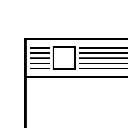
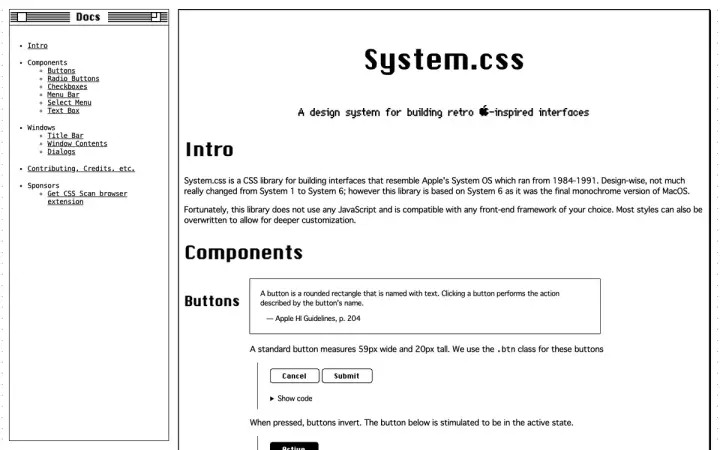
freeClassic 1-bit Macintosh (System 6) look for HTML: pinstriped windows, Chicago type, dialogs and a menu bar, CSS only.
Try these
98.css
Windows 98 look for semantic HTML: bevelled windows, title bars, buttons, fields, tabs and tree views, CSS only.
NES.css
NES-style 8-bit CSS framework: pixel buttons, containers, speech balloons, progress bars, form controls and icons.
Neobrutalism components
Neo-brutalism versions of the shadcn/ui components on Base UI, with colour palettes, stars and marquee.
Wired Elements
Hand-drawn, sketchy UI controls as web components, drawn with rough.js: buttons, inputs, cards, toggles, sliders.
Looks that pick it
For your agent
Install
npm i @sakun/system.cssUse it for
- a classic Mac OS (System 6 or 7) style window, alert or dialog for a nostalgia site or portfolio
- a black and white desktop with a pinstriped title bar, Chicago menu bar and outlined default button
Skip it when
- Mac OS 8/9 Platinum grey or Aqua: system.css is 1-bit System 6 only
- Windows chrome: use 98-css
- menus that must work with a screen reader: its menu bar keys off non-standard roles, so build real menus with base-ui
What's inside9 free
- Buttons
- Radio Buttons
- Checkboxes
- Menu Bar
- Select Menu
- Text Box
- Title Bar
- Window Contents
- Dialogs
Facts
- Frameworks
- react, vue, svelte, solid, angular, vanilla
- Styling
- css
- Weight
- small
- Accessibility
- weak
- Maturity
- experimental
- License
- MIT
- Price
- Free
Alternatives
import "@sakun/system.css"

<div class="window" style="width: 30rem">
  <div class="title-bar">
    <button aria-label="Close" class="close"></button>
    <h1 class="title">About This Mac</h1>
    <button aria-label="Resize" class="resize"></button>
  </div>
  <div class="separator"></div>
  <div class="window-pane">Hello world!</div>
</div>
https://sakofchit.github.io/system.css/
Loading website