three.js
freeThe standard WebGL and WebGPU 3D engine: scenes, cameras, materials, loaders.

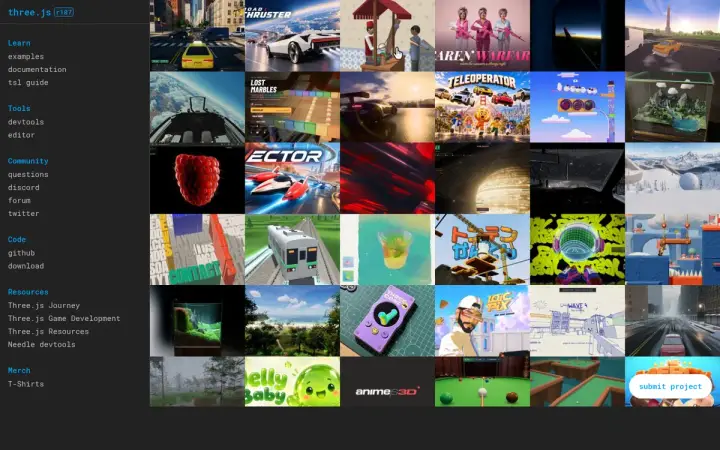
Try these
React Three Fiber
React renderer for three.js: build 3D scenes as JSX components with hooks.
OGL
Minimal WebGL library (about a tenth of three.js) for custom shader effects.
Spline (react-spline)
Embed 3D scenes designed in the Spline editor as a React component.
GSAP
Timeline animation engine with ScrollTrigger, SplitText, Flip and MorphSVG, now free including every plugin.
Looks that pick it
MinimalNeon / cyberAuroraHolographicCyberpunkSynthwaveAI glowSci-fi HUDBento gridFlat designDocument / Notion-likeSaaS marketingand 4 more
For your agent
Install
npm i three && npm i -D @types/threeUse it for
- a 3D product viewer or configurator outside React
- custom shader scenes and WebGPU experiments
- the engine under r3f, drei, ShaderGradient and Spline exports
Skip it when
- React apps: use r3f so the scene follows React state and unmounts cleanly
- a 2D gradient or noise background: use paper-shaders
- a designer-built scene with no code edits: use spline
What's inside29 free
- Scenes
- Cameras
- Geometries
- Materials
- Lights
- Textures
- Loaders
- Objects
- Renderers (WebGLRenderer, WebGPURenderer)
- Animation
- Audio
- Helpers
- Math
- Nodes
- TSL (three.js Shading Language)
- Controls
- Postprocessing
- Effects
- Environments
- Exporters
- Curves
- Lines
- Csm
- Gpgpu
- Physics
- Modifiers
- Interactive
- Inspector
- Webxr
Facts
- Frameworks
- vanilla, vue, svelte, solid, angular
- Styling
- unstyled
- Weight
- large
- Accessibility
- weak
- Maturity
- established
- License
- MIT
- Price
- Free
Pairs with


Alternatives


import * as THREE from 'three'

const el = document.getElementById('scene')!
const renderer = new THREE.WebGLRenderer({ antialias: true, alpha: true })
renderer.setPixelRatio(Math.min(devicePixelRatio, 2))
renderer.setSize(el.clientWidth, el.clientHeight)
el.appendChild(renderer.domElement)

const scene = new THREE.Scene()
const camera = new THREE.PerspectiveCamera(50, el.clientWidth / el.clientHeight, 0.1, 100)
camera.position.z = 3
const mesh = new THREE.Mesh(new THREE.TorusKnotGeometry(0.6, 0.2, 128, 16), new THREE.MeshNormalMaterial())
scene.add(mesh)

renderer.setAnimationLoop((t) => { mesh.rotation.y = t / 2000; renderer.render(scene, camera) })
https://threejs.org/examples/
Loading website