Liquid chrome
Mirror-polished liquid metal (chrome type, blobs and frames reflecting a studio environment), the Y3K take on early-2000s futurism.
Try it
Ground
#050505
Surface
#121212
Text
#f2f2f2
Accent
#c9ced6
- Type
- display, on a dark ground
- Radius
- 14px
- Material
- border:2px solid transparent; background:linear-gradient(#121212,#121212) padding-box,linear-gradient(180deg,#ffffff,#8a8f98 45%,#1b1d22 52%,#e5e7eb 70%,#6b7280) border-box
This screen uses only the look's tokens. Click, type and toggle it. The libraries below are what your agent installs to build the real thing.
What your agent builds it with
Component kits
Magic UIAnimated landing-page components for React + Tailwind, installed through the shadcn CLI.a SaaS landing page: logo marquee, animated beam integrations diagram, bento grid, number ticker
inside a dense dashboard or app chrome: the effects become noise; use shadcn-ui or kobra
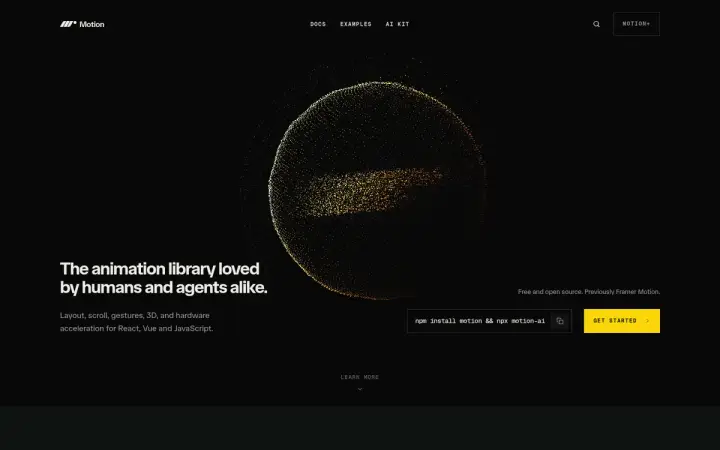
Motion
MotionThe default animation library for React (formerly Framer Motion): springs, gestures, layout and exit animations.dialogs, popovers and panels that must animate out before they unmount (AnimatePresence)
a hover colour change or a one-shot fade: a CSS transition costs zero bytes
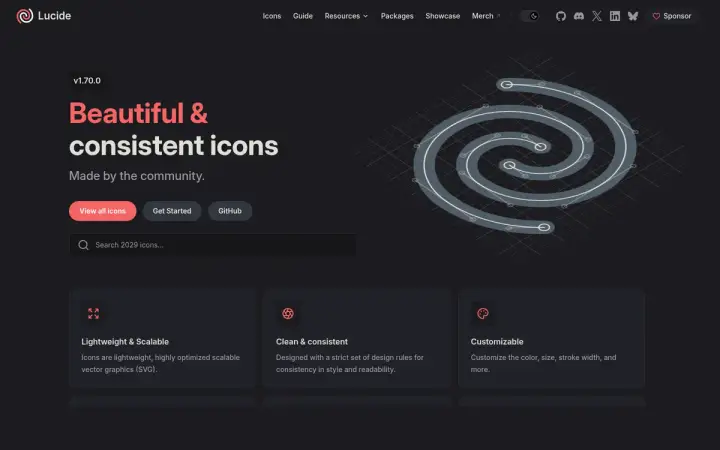
Icons
LucideClean 24px stroke icons, one component per icon, the default set for shadcn/ui.app UI icons in a shadcn/ui or Base UI project (buttons, menus, sidebars)
brand or company logos: Lucide 1.x ships no brand icons, use simple-icons
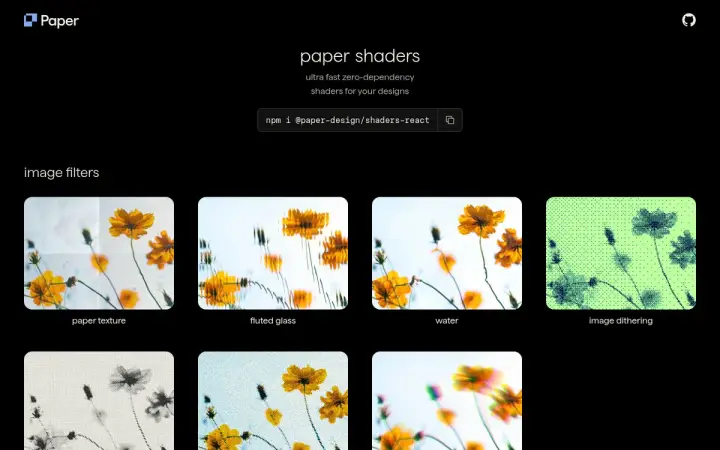
Backgroundsalways
Paper ShadersZero-dependency WebGL shader backgrounds: mesh gradients, grain, dithering, liquid metal and more.hero background with a slow mesh or grain gradient behind headline text
you need a real 3D scene with camera and objects: use r3f
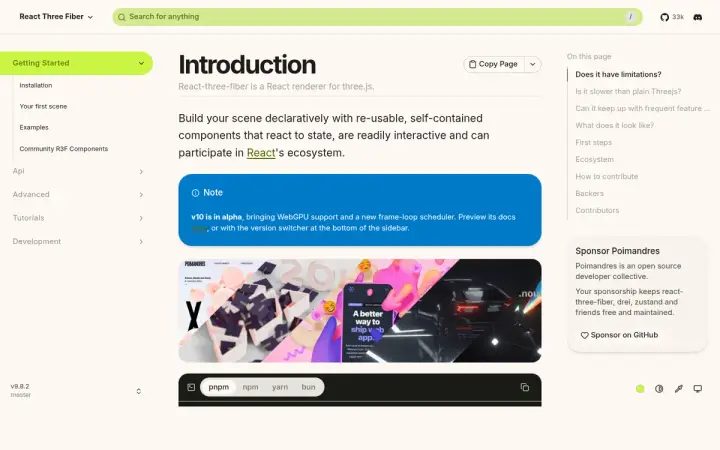
3D
React Three FiberReact renderer for three.js: build 3D scenes as JSX components with hooks.interactive 3D hero objects in a React or Next.js landing page
a decorative gradient or noise background: use paper-shaders, no 3D stack needed

The plan your agent reads
For “landing page with a signup form, a pricing table and toasts” in Liquid chrome: the plan tool's answer, word for word
look: Liquid chrome (chrome, neon family)
framework: react (assumed; pass framework)
build with every line below: run its install, build its part with it (usage under it), then adapt it to the rules below. A hand-written stand-in for a listed part (a <details> for an Accordion) is a miss
component-kit (its parts for this page) -> mantine: a dense dashboard with date range pickers, rich tables, forms with validation and notifications from one vendor | npm i @mantine/core @mantine/hooks | use its Button, Card, Badge, Table, Input | else: boardui, coss-ui
motion (presses, gestures, menus and entrances) -> motion: The default animation library for React (formerly Framer Motion): springs, gestures, layout and exit animations. (look's pick) | npm i motion | else: gsap
feedback -> mantine: the base kit ships it | else: sonner, react-hot-toast
background (the Liquid chrome look needs it) -> paper-shaders: Zero-dependency WebGL shader backgrounds: mesh gradients, grain, dithering, liquid metal and more. (look's pick) | npm i @paper-design/shaders-react@0.0.82
  import { MeshGradient } from '@paper-design/shaders-react'
  const reduce = typeof window !== 'undefined' && matchMedia('(prefers-reduced-motion: reduce)').matches
  <MeshGradient
  colors={['#0a0a0a', '#1e1b4b', '#4c1d95', '#0a0a0a']}
  distortion={0.8}
  swirl={0.4}
  speed={reduce ? 0 : 0.2}
  style={{ position: 'absolute', inset: 0 }}
  />
icons (every icon on the page: one size and stroke, set once) -> lucide: Clean 24px stroke icons, one component per icon, the default set for shadcn/ui. (look's pick) | npm i lucide-react
  import { LucideProvider, Search } from 'lucide-react'
  <LucideProvider size={16} strokeWidth={1.5}>
  <Search aria-hidden />
  </LucideProvider>
done when: every package above is imported where its part is, and no listed part is hand-written

vs: Not holographic: silver reflections with a dark horizon band, not a pastel rainbow. Not cyberpunk: polished and sleek, not gritty neon. Not skeuomorphism: chrome is an abstract material for type and shapes, not an imitation of real controls.
type: Chrome only on display type: a wide or heavy face (Unbounded, Syne ExtraBold, Druk Wide-like) at 72px and up, filled with a metal gradient (background-clip: text) or a liquid-metal shader. Everything else is a plain grotesk in white or black.
colour: Black or near-white ground with no other hue, or one cold accent (ice blue #a5d8ff). Chrome is a tonal ramp: white highlight, mid grey, a sharp near-black horizon band, then light again: linear-gradient(180deg,#fff,#9ca3af 40%,#111 50%,#e5e7eb 62%,#6b7280).
motion: Metal flows slowly or follows the pointer (paper-shaders LiquidMetal at speed 0.2-0.4, or an environment-mapped 3D blob); reflections shift with scroll. One chrome object per view, stopped offscreen and under reduced motion.
avoid: chrome on body text or small labels; flat grey gradients with no dark band (they read as plastic); chrome, holo and neon on one page; stock chrome-text PNGs that blur on retina
refs: name a real one first: the user's, else search Mobbin, Refero or Inspo (free) if connected, else Paper Liquid Metal shaders.paper.design or a DESIGN.md from styles.refero.design or devault.design, and say how to connect one (get references)
brief first: build every part it names before styling; the first screen shows the main content working, not an empty hero; at desktop width fill it (columns, a side panel), never a phone-width column in empty space
never, whatever the look: text under 4.5:1 contrast (on glass, over its lightest backdrop); a headline clipped or split mid-word at 390px; a font named, not loaded
Rules
- Type
- Chrome only on display type: a wide or heavy face (Unbounded, Syne ExtraBold, Druk Wide-like) at 72px and up, filled with a metal gradient (background-clip: text) or a liquid-metal shader. Everything else is a plain grotesk in white or black.
- Colour
- Black or near-white ground with no other hue, or one cold accent (ice blue #a5d8ff). Chrome is a tonal ramp: white highlight, mid grey, a sharp near-black horizon band, then light again: linear-gradient(180deg,#fff,#9ca3af 40%,#111 50%,#e5e7eb 62%,#6b7280).
- Motion
- Metal flows slowly or follows the pointer (paper-shaders LiquidMetal at speed 0.2-0.4, or an environment-mapped 3D blob); reflections shift with scroll. One chrome object per view, stopped offscreen and under reduced motion.
Goes wrong when
- chrome on body text or small labels
- flat grey gradients with no dark band (they read as plastic)
- chrome, holo and neon on one page
- stock chrome-text PNGs that blur on retina
Not to be confused with
- Holographicsilver reflections with a dark horizon band, not a pastel rainbow.
- Cyberpunkpolished and sleek, not gritty neon.
- Skeuomorphismchrome is an abstract material for type and shapes, not an imitation of real controls.
Also in Neon / cyber
Brief words that land here
liquid chrome · chrome text · chrome effect · liquid metal · metallic · y3k